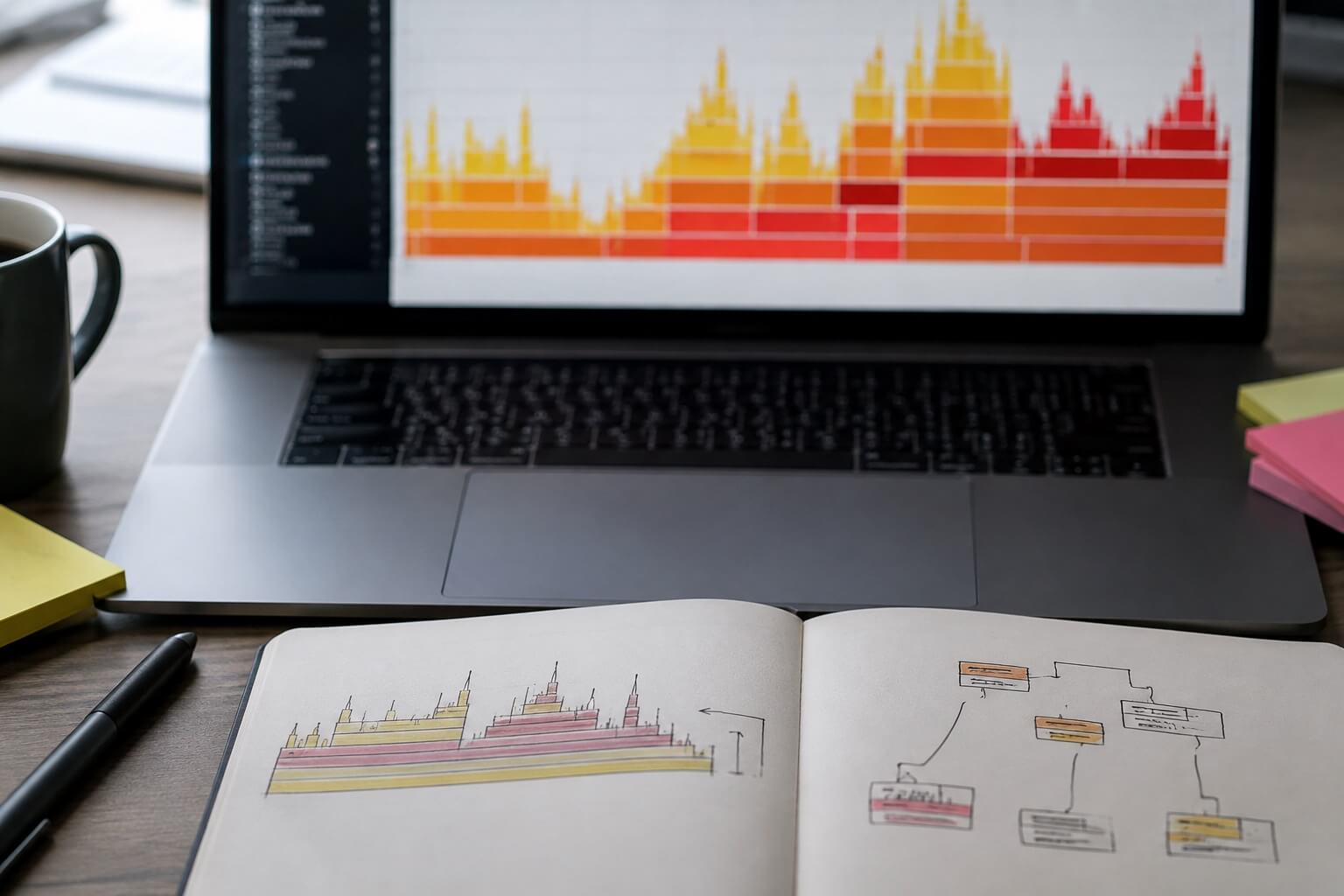
Most developers meet their first flame graph during an incident, which is the worst possible time to learn how to read one. The picture is dense, the colours look meaningful and are not, and the instinct is to point at the tallest tower and start optimising. The tallest tower is almost never the problem.
This is the guide we wish we had been handed: what the shape actually encodes, the five silhouettes worth recognising on sight, and how to turn a reading into a change.
What the picture encodes
A flame graph is a summary of many stack samples stacked on top of each other. Two rules explain nearly everything:
- Width is time. A box's width is the proportion of samples in which that function was on the stack. Wider means more time spent, directly or in something it called.
- Height is call depth. A box sitting on another box means it was called by it. Height is nesting, not cost.
Two rules about what is not encoded matter just as much. The horizontal axis is not time order — boxes are sorted alphabetically so identical stacks merge, which is why you cannot read a timeline left to right. And colour is usually decorative, assigned to make adjacent boxes distinguishable. If your tool does encode meaning in colour, it will say so in the legend, and you should read the legend before you read anything else.
The single most common misreading is treating a tall, thin spire as an emergency. Depth costs almost nothing. A deeply nested call that occupies two percent of the width is two percent of your problem, no matter how dramatic it looks.
The five shapes
The plateau
A single wide box with nothing much on top of it. Whatever that function is, it is doing the work itself rather than delegating — a parser, a serialiser, a hash, a tight loop. Plateaus are the friendliest finding, because the fix is local and the measurement afterwards is unambiguous.
The staircase
A wide base narrowing gradually through many layers, each one slightly thinner than the last. This is abstraction cost: a call passing through wrappers, adapters, and middleware, each taking a small slice. No single layer justifies removal, and that is the trap. The fix is rarely optimisation; it is deleting a layer or calling past several at once.
The comb
Dozens of narrow, identical towers side by side at the same depth. You are looking at something called in a loop — often per row, per element, or per request. The individual call is cheap and the aggregate is not. Batching, memoising, or hoisting the work out of the loop usually collapses the entire comb at once, which makes this the highest-leverage shape on the list.
The mesa
A wide box near the very bottom of the graph, close to the runtime itself: garbage collection, compilation, or the event loop's own bookkeeping. This is not a function you can edit. It is a symptom, and the cause lives above it — usually allocation pressure from code that is creating far more short-lived objects than it needs to.
The flat field
No dominant shape at all, just an even spread of small boxes. Two readings are possible and they lead to opposite conclusions. Either the work is genuinely diffuse and there is no single win available, or your profiler is not sampling the thing that is slow — because the process is waiting rather than computing. If wall-clock time far exceeds the CPU time in the profile, you are looking at the second case, and no amount of staring at the graph will help.
A worked reading
An endpoint that took roughly 900 milliseconds produced a graph with a modest plateau in template rendering, about eighteen percent wide, and a comb of two hundred narrow towers in a function that formatted currency.
The instinct was to optimise the renderer, because it was the biggest single box. The correct move was the comb: currency formatting was constructing a new Intl.NumberFormat on every cell of a two-hundred-row table. Constructing a formatter is expensive; using one is not. Hoisting the construction out of the loop removed the entire comb.
const money = new Intl.NumberFormat('en-MY', { style: 'currency', currency: 'MYR' });
rows.forEach(row => { row.total = money.format(row.amount); });
The endpoint dropped to a little over 300 milliseconds. The renderer was never touched. Its plateau was real work that needed doing, and eighteen percent of a smaller number is a smaller number.
Turning a reading into a change
Three habits separate profiling that produces fixes from profiling that produces opinions.
Profile the thing that is slow, under load that resembles reality. A graph captured on an empty database with one user tells you about startup, not about production. If you cannot reproduce the slowness, you cannot profile it, and everything after that is decoration.
Change one thing, then re-profile. The graph after the change is the only evidence that the change mattered. Batching two fixes and measuring once means you have learned nothing about either.
Write down the width you started from. "The comb was thirty-one percent, now it is gone" is a review comment anyone can verify. "It feels faster" is not, and it is how optimisations that do nothing survive into main.
Flame graphs reward patience more than cleverness. Find the wide thing. Ask whether it is doing the work or delegating it. Fix the loop before the function. Then look again, because the second graph is nearly always more interesting than the first.